THE CHILDHOOD COMEBACK / FOUR EPISODES
THE SETUP FROM MY INSTAGRAM
Your childhood.
Three levels.
Less “where do I download this?”
More “one last match, pakka.”
Cricket 07, Tekken, Mario & the games we never really grew out of. Start with my setup. Then make a game room of your own.
Browser starters + a desktop kit. No sign-up. No giant-library download.
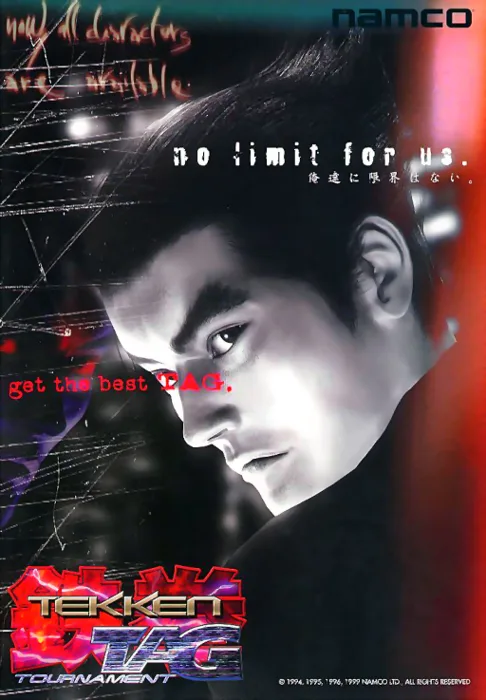 TAG YOUR OPENING PARTNER.
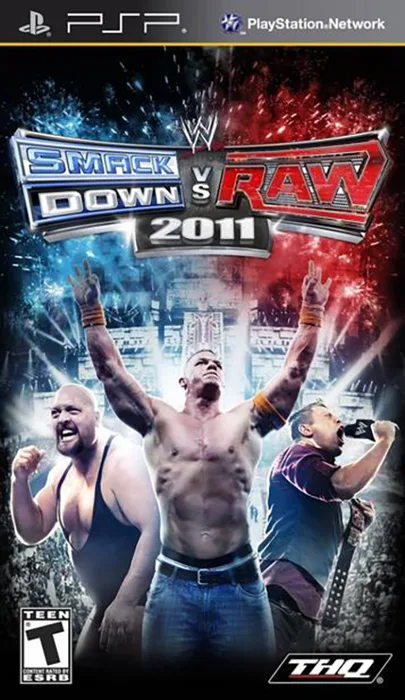 THE ENTRANCE STILL HITS.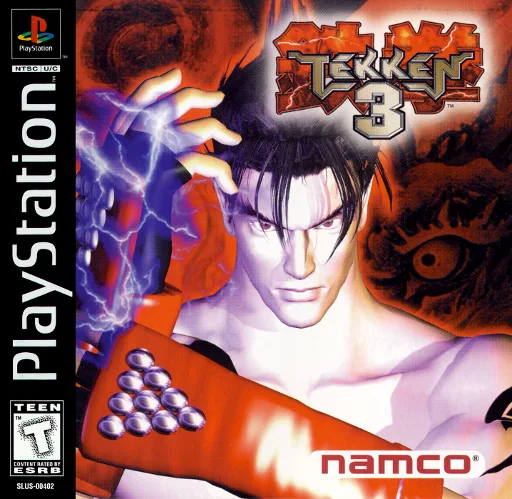
NEW SETUP.THE MICKY EDIT ✦
01 / CHOOSE YOUR NEXT SIDE QUEST
How deep are
we going?
You don’t need the whole collection on day one.
Pick a level. Play a game. Come back for more.
LEVEL ONE / START HERE
Four classics.
Zero overthinking.
Cricket 07, Mario and both Tekkens open in your browser.
The desktop download is optional.
Your next game night, in a ZIP.
Two Tekken arcade sets, Mario, my keyboard mappings, a portable launcher and all three AI prompts. Install Python + MAME once; emulator downloads are extra.
What happens after I download it?+
- Extract the ZIP. Install Python 3 if needed.
- Run the included “Install MAME” file for your computer, or use the official MAME download.
- Open the included “Start” file. Your local shelf launches the arcade games; Mario and Cricket open in a browser.
- Need a hand? Copy the Level 1 AI prompt below. It checks your device and walks through the installation.
LEVEL TWO / YOUR OWN COLLECTION
Same nostalgia.
A bigger shelf.
For PSP, PS1, Nintendo and Sega classics.
Install the emulator. Add the matching game. Keep your saves.
WWE. Tekken 6. FIFA. Dragon Ball Z.
Official emulator ↗DuckStationConsole Tekken 3 and PlayStation classics.
Official emulator ↗RetroArchMario, Contra, Nintendo & Sega favorites.
Choose the right core ↗Bring the right edition. A PSP ISO, PS1 disc and MAME arcade set are different games to an emulator—even when the cover says Tekken.
LEVEL THREE / THE BIG DOWNLOAD ENERGY
More power.
More “just one game.”
PS3, Wii, Wii U, PC and bigger arcade sets.
Check your hardware before the multi-GB downloads.
Big files don’t guarantee big frame rates. The heavy games run locally. Your chip, graphics, emulator version and exact game all matter.
02 / LET YOUR AI FRIEND DO THE BORING PART
Copy. Paste.
Build your setup.
Use Codex, Claude Code or another assistant that can work on your computer. A chat-only AI can guide you, but can’t install apps for you.
Your device, the correct emulator, a real launch test. All in the prompt.
03 / THE LINKS YOU WERE ASKING FOR
The right doors.
All in one place.
Official apps for the emulator. Portals for browsing games. Match the console and file version before you download.
Official emulator links & compatibility guides+
Portal links open third-party websites, whose downloads and ads are outside this project. Use game files and firmware you have permission to use. Official download links checked 23 October 2026; game compatibility is title-specific.
04 / A PEEK INSIDE MY ACTUAL LIBRARY
Pick your
next obsession.
Loading the collection…
A catalog of Micky’s files, including regional variants and duplicate editions—not a promise that every entry is a unique game, publicly downloadable, or tested on your device.
FROM MY SETUP TO YOUR NEXT GAME NIGHT